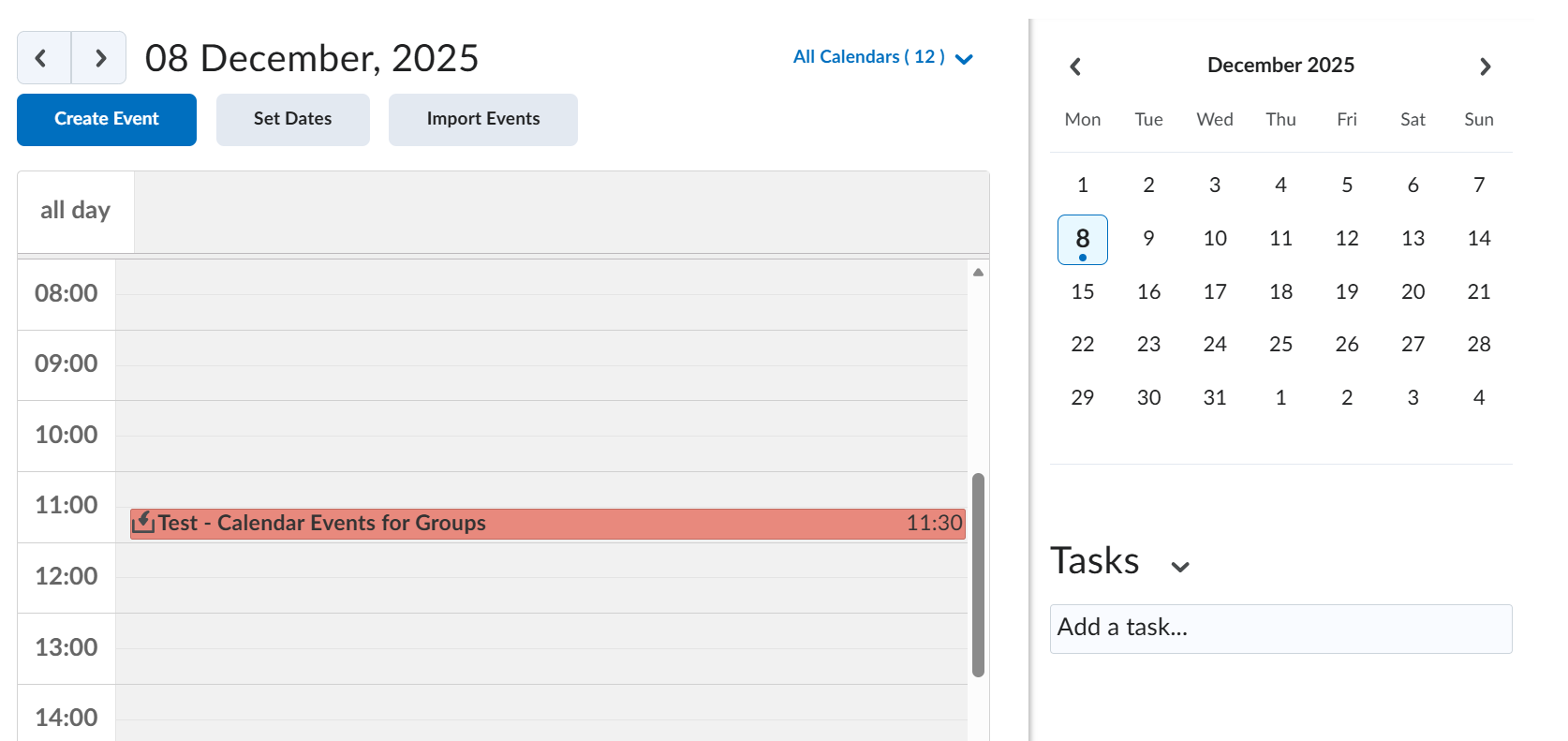
Creating Calendar Events for Groups
This tutorial explains how to create calendar events that are visible only to a specific group.
Please note:
- Starting December 2025, any booking updates made in TimeEdit will automatically sync with the corresponding calendar events in DTU Learn.
- If an automatically created event in DTU Learn has been deleted, it will be recreated to reflect the latest update from TimeEdit.
- Adding groups to an automatically created event disconnects it from the integration, similar to deleting it. If you later update the booking in TimeEdit, the integration will create a new event with all room entries. Students will then see two events.
- After creating a group-specific event, you cannot add additional groups to that same event. To include more groups, create a new event and link it to the extra groups.
Follow these steps to create course calendar events for groups:
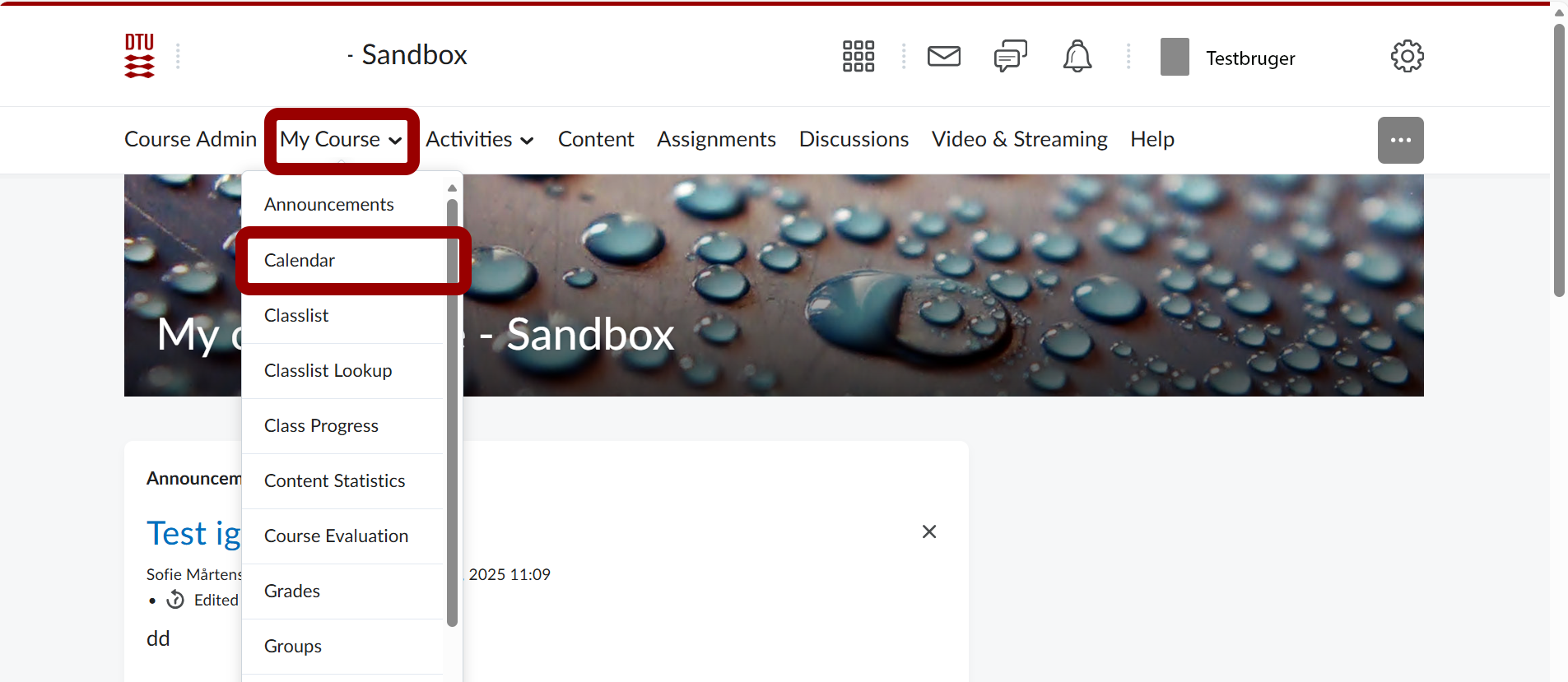
- From the course homepage on DTU Learn go to "My Course" and then click "Calendar".
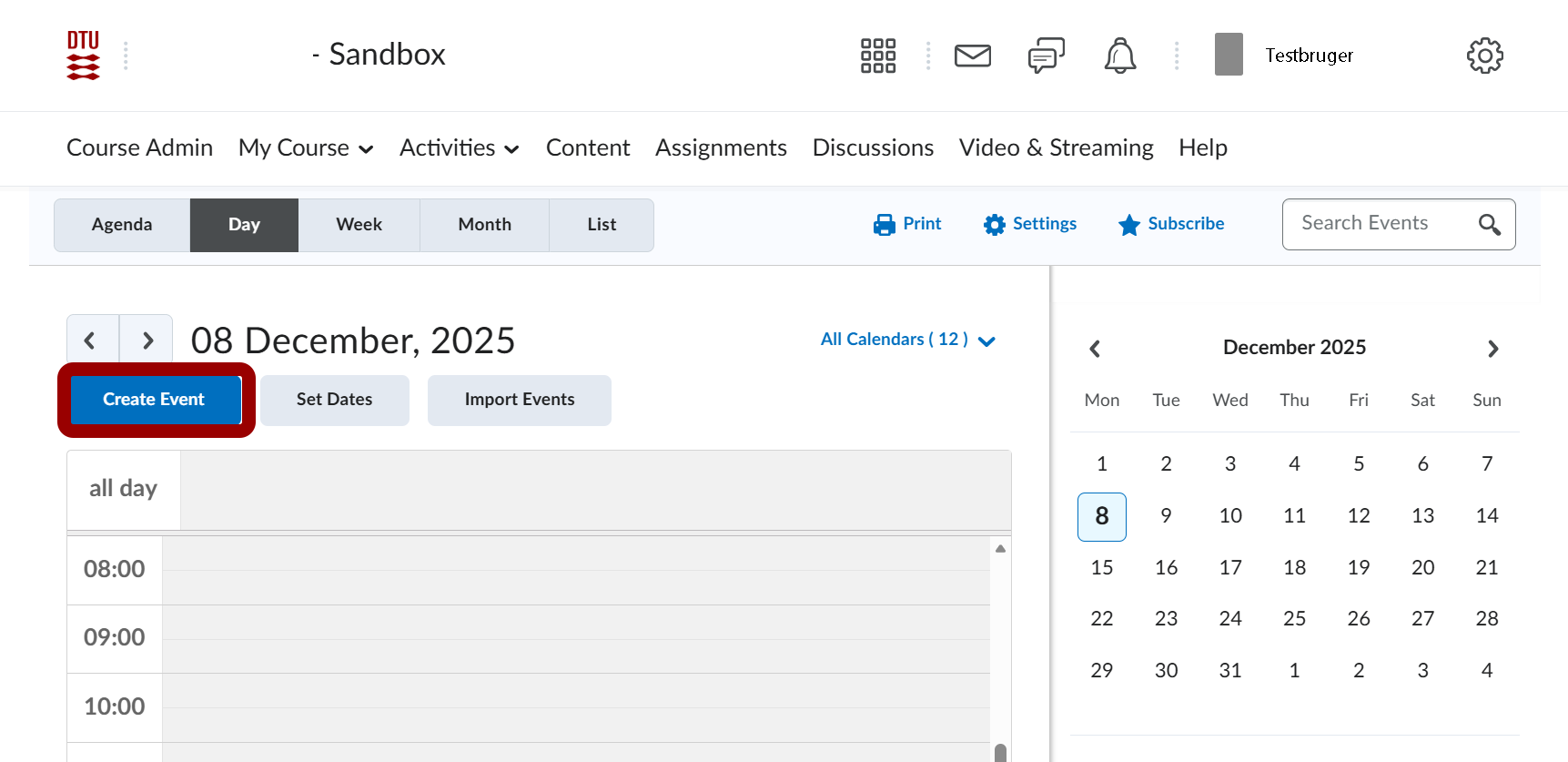
- Click on "Create Event"
- Add title and description.
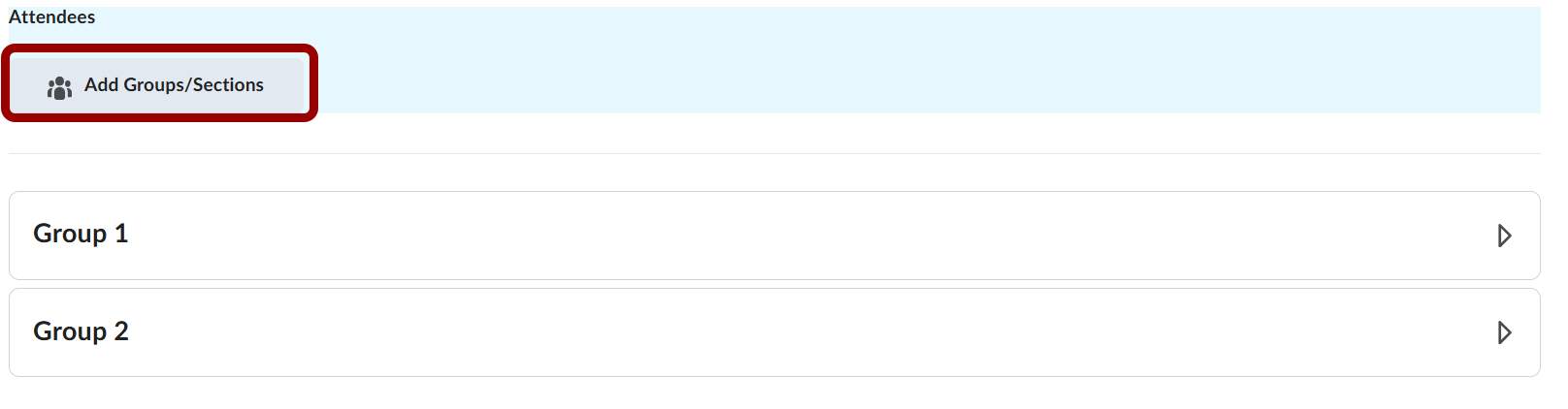
- Scroll down. Under "Attendees" pick the first group.
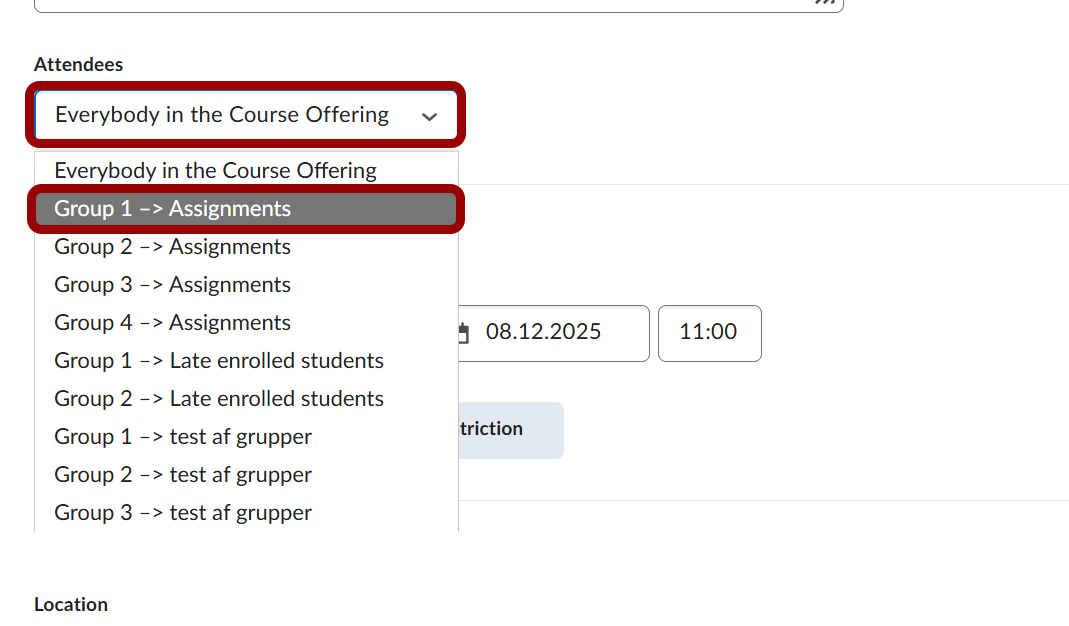
- Press "Add Groups/Sections" and add the next group – repeat for all groups.
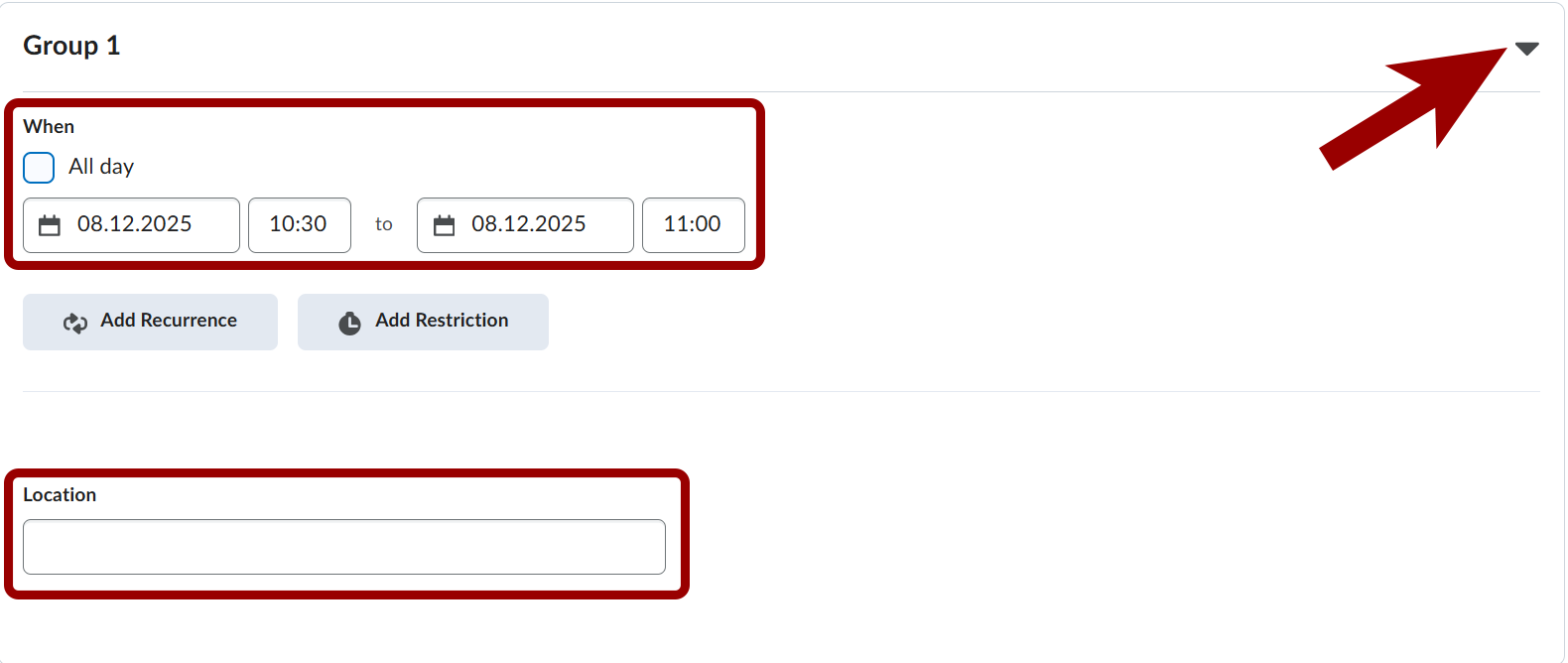
- Set "When" and "Location" for each group.
- Press "Create".
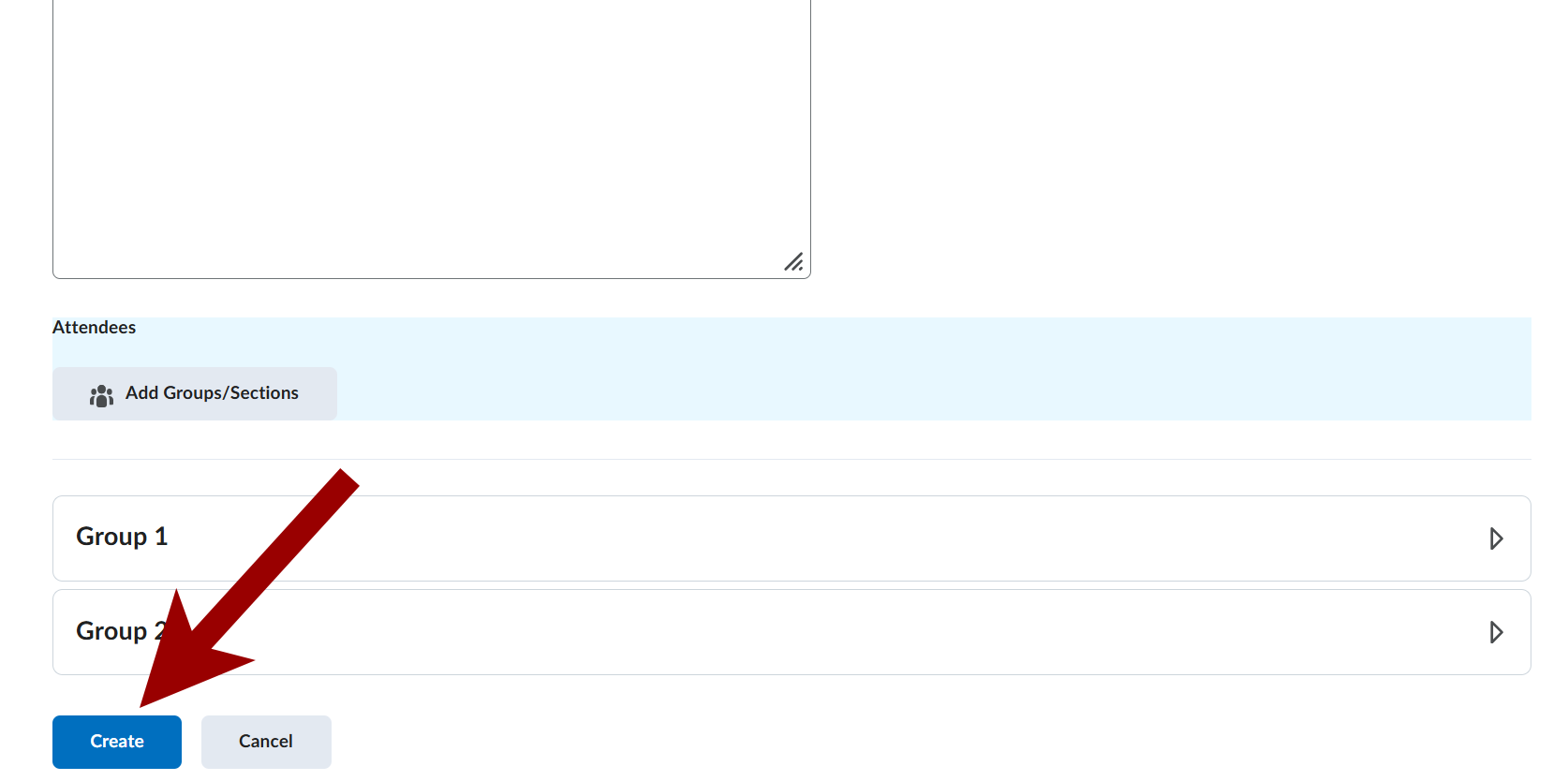
- The Calendar Events are now created for the chosen groups.